How to Read DMARC Aggregate Reports (rua): From Raw XML to a Decision
Read a DMARC aggregate report without a paid tool: what each XML field means, how to find unknown senders, and a worked example you can reproduce.
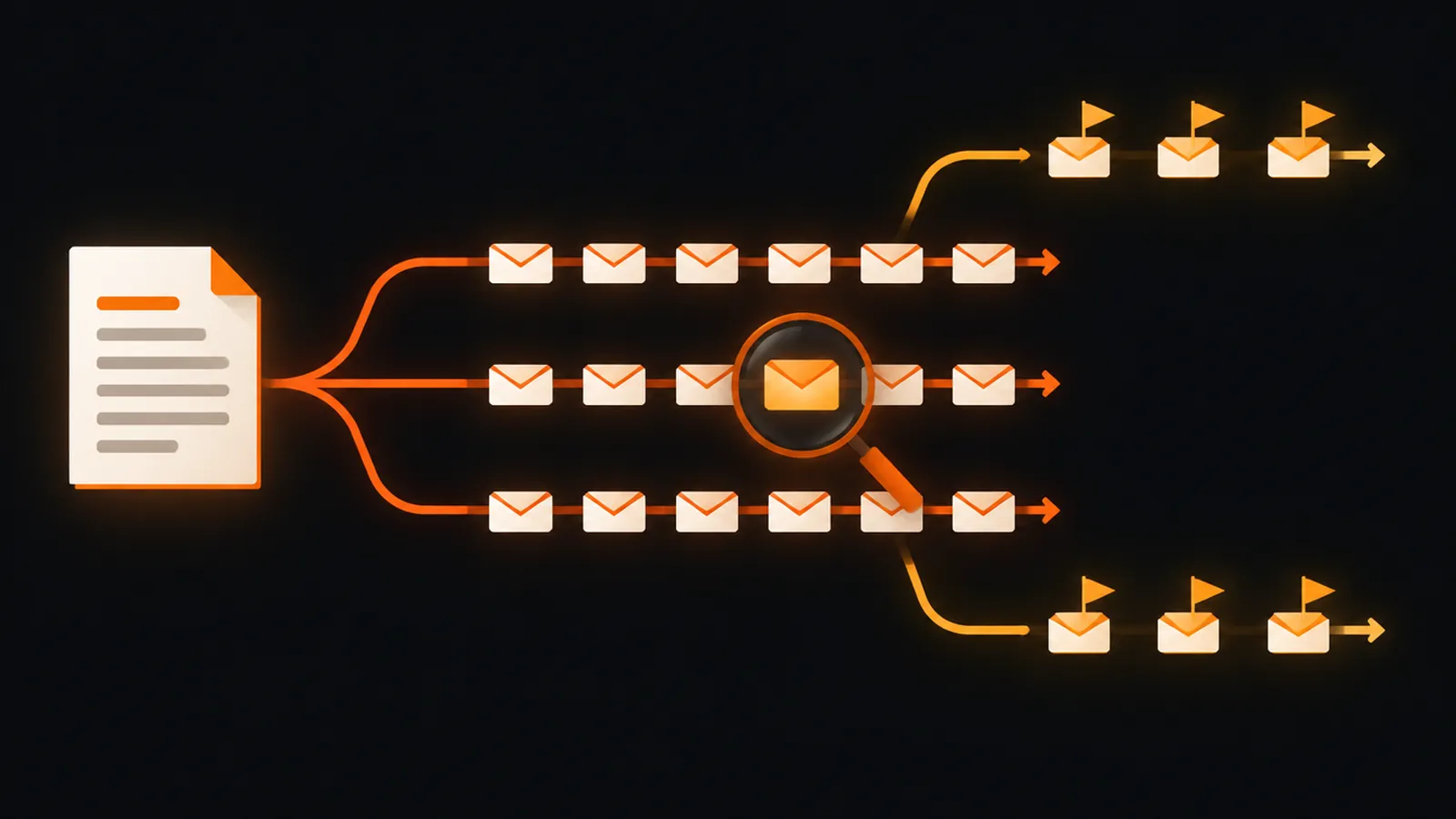
A DMARC aggregate report is a daily XML file with three parts: who sent the report, the policy it saw, and one record per sending IP with a message count and SPF/DKIM results. Read it by grouping records by source IP, marking each as DMARC pass (SPF or DKIM aligned) or fail, and identifying every failing IP before you tighten the policy. In our worked example, 310 of 5,415 messages (5.72%) failed.
You publish a DMARC record with a rua address, and a few days later mailboxes fill with compressed attachments from mailbox providers. Those files are the most useful data DMARC gives you: they list every server that sent mail claiming to be your domain, and whether that mail authenticated. This guide shows how to read one by hand, which fields matter, and how to turn the results into a decision about your policy.
What a rua report is and when it arrives
The rua tag in your DMARC record lists where receivers should send aggregate reports. RFC 7489 says rua is optional, that receivers must support mailto: addresses, and that a receiver must not generate aggregate reports if the tag is missing. The reporting interval tag ri defaults to 86400 seconds, so the normal rhythm is one report per receiver per day. Google's guidance for Workspace says you can receive many reports each day, and that large organizations might get hundreds or thousands daily.
Reports arrive as email with the XML as an attachment. RFC 7489 says the XML should be gzip-compressed, so expect .xml.gz files and a media type of application/gzip. RFC 7489 also mentions ten megabytes as a commonly observed receiver size limit. Google recommends a dedicated mailbox, a group or a third-party reporting service for the address rather than your own inbox, and notes that an address on another domain needs a DNS TXT record to authorize it.
A record that does what the reports need looks like this (replace the domain):
v=DMARC1; p=none; rua=mailto:dmarc-reports@example.com
The structure of the XML in four blocks
RFC 7489 Appendix C defines the schema. Every report has a root feedback element containing four kinds of children:
| Block | Fields you will actually use | What it tells you |
|---|---|---|
report_metadata | org_name, report_id, date_range (begin, end) | Which receiver reported and for which period. The times are Unix epoch seconds. |
policy_published | domain, p, sp, pct, adkim, aspf | Your DMARC record as the receiver saw it. Check it first: a typo here means the receiver is judging a different policy than you think. |
record / row | source_ip, count, policy_evaluated (disposition, dkim, spf) | One group of messages from one IP, how many there were, and what DMARC concluded. |
identifiers and auth_results | header_from, envelope_from, and per-signature dkim (domain, selector, result) and spf (domain, result) | The raw authentication results and the domains that produced them, so you can see which service signed or passed. |
policy_evaluated and auth_results are easy to confuse. The first is the DMARC verdict, which depends on alignment. The second is the raw SPF or DKIM result for whatever domain authenticated, which may not be your domain. A message can show spf pass in auth_results for your email vendor's domain and still show spf fail in policy_evaluated, because that domain does not align with your From domain.
Step by step: read one report
- Check the metadata. Convert
beginandendfrom epoch seconds to dates. A report that does not cover the day you expect is still valid; periods vary by receiver. - Check
policy_published. Confirmp,spandpctmatch what you intended to publish. - List the records by source IP. Each
recordis a group. Note the IP, thecountand the twopolicy_evaluatedresults. - Mark each record pass or fail. DMARC passes when SPF or DKIM passes with alignment. Fail means both failed.
- Identify each IP. Match it to a service you use (your mail platform, CRM, help desk, billing system) using the vendor's published ranges or the reverse DNS name. Unknown IPs are your investigation list.
- Weigh by
count. 300 failing messages from one server matter more than 3 from another. Compute the failing share of total volume. - Record the fixes. For each legitimate sender that fails, note whether SPF, DKIM or alignment needs work.
Worked example: one report, four sources
We built a small report for example.com with four records and parsed it with the standard-library XML parser (script below). The IP addresses come from the ranges reserved for documentation, so they are not real senders. The report covers one UTC day, 2026-10-24 00:00:00 to 23:59:59 (epoch 1792800000 to 1792886399), and the published policy is p=none.
| Source IP | Count | DKIM (evaluated) | SPF (evaluated) | DMARC | Likely meaning |
|---|---|---|---|---|---|
| 203.0.113.10 | 4,200 | pass | pass | pass | Your main mail platform, fully aligned |
| 198.51.100.25 | 860 | pass | fail | pass | Newsletter tool: DKIM aligned, but its SPF passes for its own domain, not yours |
| 192.0.2.200 | 45 | fail | pass | pass | SPF aligned, but the DKIM signature belongs to another domain |
| 192.0.2.77 | 310 | fail | fail | FAIL | No alignment at all: a forgotten system or spoofing |
The arithmetic: total messages = 4,200 + 860 + 310 + 45 = 5,415. DMARC-passing messages = 4,200 + 860 + 45 = 5,105, which is 94.28%. Failing = 310, which is 5.72%. Under p=quarantine or p=reject, those 310 messages would be affected. Before enforcing, you must decide whether 192.0.2.77 is a legitimate sender you forgot (add it to SPF or set up DKIM) or abuse (the policy is meant to stop it).
Notice the 860 messages from the newsletter tool. They pass only through DKIM. That is enough for DMARC, but it leaves you with one point of failure: if the tool rotates keys or someone removes its DKIM record, the whole stream fails at once. Fixing SPF alignment through a custom return-path domain gives the stream two independent ways to pass.
Script: summarize a report in seconds
This runs on the standard library only. Save the unzipped XML as report.xml:
import xml.etree.ElementTree as ET, datetime
root = ET.parse("report.xml").getroot()
dr = root.find("report_metadata/date_range")
for k in ("begin", "end"):
    t = datetime.datetime.fromtimestamp(int(dr.find(k).text), datetime.timezone.utc)
    print(k, t.isoformat())
total = passed = 0
for rec in root.findall("record"):
    row = rec.find("row")
    pe = row.find("policy_evaluated")
    n = int(row.find("count").text)
    ok = "pass" in (pe.find("dkim").text, pe.find("spf").text)
    total += n
    passed += n if ok else 0
    print(row.find("source_ip").text, n, pe.find("dkim").text, pe.find("spf").text, "pass" if ok else "FAIL")
print(total, passed, round(passed / total * 100, 2))
Run on our example it prints the same figures as the table: 5,415 messages, 5,105 passing, 94.28%. For a header-level look at a single message from a failing source, paste its headers into the tool below.
Email Header AnalyzerRead SPF, DKIM, DMARC, hop path, delays and domain alignment from message headersOpen the tool →What changed in 2026: RFC 7489 is obsolete
RFC 7489 now says it is obsoleted by newer documents. RFC 9990 (aggregate reporting, Proposed Standard) states that it obsoletes RFC 7489, and RFC 9989 (the core protocol) obsoletes RFC 7489 and RFC 9091. Both carry a 2026 copyright, and RFC 9990 lists RFC 9989 as published in May 2026. For reading reports, the changes that matter are:
- The report XML uses the namespace
urn:ietf:params:xml:ns:dmarc-2.0, withversionset to 1.0. policy_publishedgainsnp(policy for non-existent subdomains),testinganddiscovery_method(pslortreewalk).- A DKIM
selectoris required when a signature is reported, which makes it easier to see which key signed. - Each report covers one DMARC policy domain, and the standard describes a UTC-day reporting period.
- RFC 9989 removes the
pcttag from its registry, so a receiver following it ignorespct. Google's Workspace documentation still describespctfor gradual rollout (as of October 2026), so check what your receivers honor before relying on it.
Receivers adopt new standards at different speeds and we did not test which format each one sends, so write your parser to tolerate both. Do not assume field names; use find() with a fallback rather than direct indexing.
From report to policy decision
Google recommends starting at p=none and updating the policy as you learn how receivers authenticate your mail. A defensible sequence from there:
- Collect reports for at least a couple of weeks so monthly senders (billing, newsletters) appear.
- Resolve every legitimate source that fails, using the table method above.
- Move to
p=quarantineonce the failing share is made up only of traffic you accept losing; the thresholds are your judgment, not a published rule. - Continue reading reports after each change. New failures after a vendor switch are normal.
The SPF, DKIM and DMARC guide explains alignment in depth, and the SPF lookup limit guide covers the usual cause of SPF failures. If you send through several providers, this walk-through for combining SPF records applies to the fixes above.
Common mistakes when reading reports
- Treating every failing IP as an attacker. Forwarders and mailing lists can break SPF. RFC 7489 even defines override reasons such as
forwarded,mailing_listandtrusted_forwarderfor receivers to explain their decisions. - Ignoring small counts. A source with 12 messages may be a monthly invoice system that matters a lot.
- Confusing raw and evaluated results. Always read
policy_evaluatedfirst; useauth_resultsto see what to fix. - Using a personal inbox for
rua. Google explicitly warns about high report volume. - Enforcing too early. One quiet week of reports misses senders that mail monthly or quarterly.
Frequently asked questions
What is a DMARC aggregate report?
A daily XML summary that receivers send to the address in your rua tag. It lists the sending IPs seen for your domain, message counts, and SPF, DKIM and DMARC results. It contains no message content.
Why do I get so many DMARC report emails?
Each receiver that sees mail from your domain can send its own daily report, so the number grows with your reach. Google warns that large organizations can get hundreds or thousands a day and recommends a dedicated mailbox, a group or a reporting service.
What is the difference between rua and ruf?
rua addresses receive aggregate summaries; ruf addresses receive per-message failure reports. Aggregate reports are the ones most receivers send and the ones this guide reads.
Does DMARC pass need both SPF and DKIM?
No. DMARC passes when at least one of them passes with alignment to the From domain. Failing happens only when both fail alignment.
How do I find an unknown sender in a DMARC report?
Group records by source_ip, then look up the IP's reverse DNS name or its owner. Check auth_results for the domains that signed or passed SPF; they often name the vendor even when alignment failed.
Is RFC 7489 still the DMARC standard?
RFC 9990 and RFC 9989 each state that they obsolete RFC 7489. Receivers adopt new standards at different speeds, so reports in the older format may still arrive.
References & further reading
Related articles
 Email Authentication & Deliverability
Gmail and Yahoo Bulk Sender Requirements: The Complete Compliance Checklist
A practical checklist for Gmail and Yahoo bulk sender rules: SPF, DKIM, DMARC, one-click unsubscribe and the 0.3% spam rate limit, with how to verify each.
7 min read Email Authentication & Deliverability
How to Read Email Headers: A Step-by-Step Guide to Tracing Any Message
Learn how to read email headers: view them in Gmail and Outlook, follow the Received chain and read SPF, DKIM and DMARC results step by step.
10 min read Email Authentication & Deliverability
List-Unsubscribe Header: How to Set Up One-Click Unsubscribe the Right Way
Set up the List-Unsubscribe and List-Unsubscribe-Post headers: RFC 8058 syntax, endpoint rules, DKIM signing, testing and Gmail and Yahoo requirements.
8 min read