How to Read Email Headers: A Step-by-Step Guide to Tracing Any Message
Learn how to read email headers: view them in Gmail and Outlook, follow the Received chain and read SPF, DKIM and DMARC results step by step.
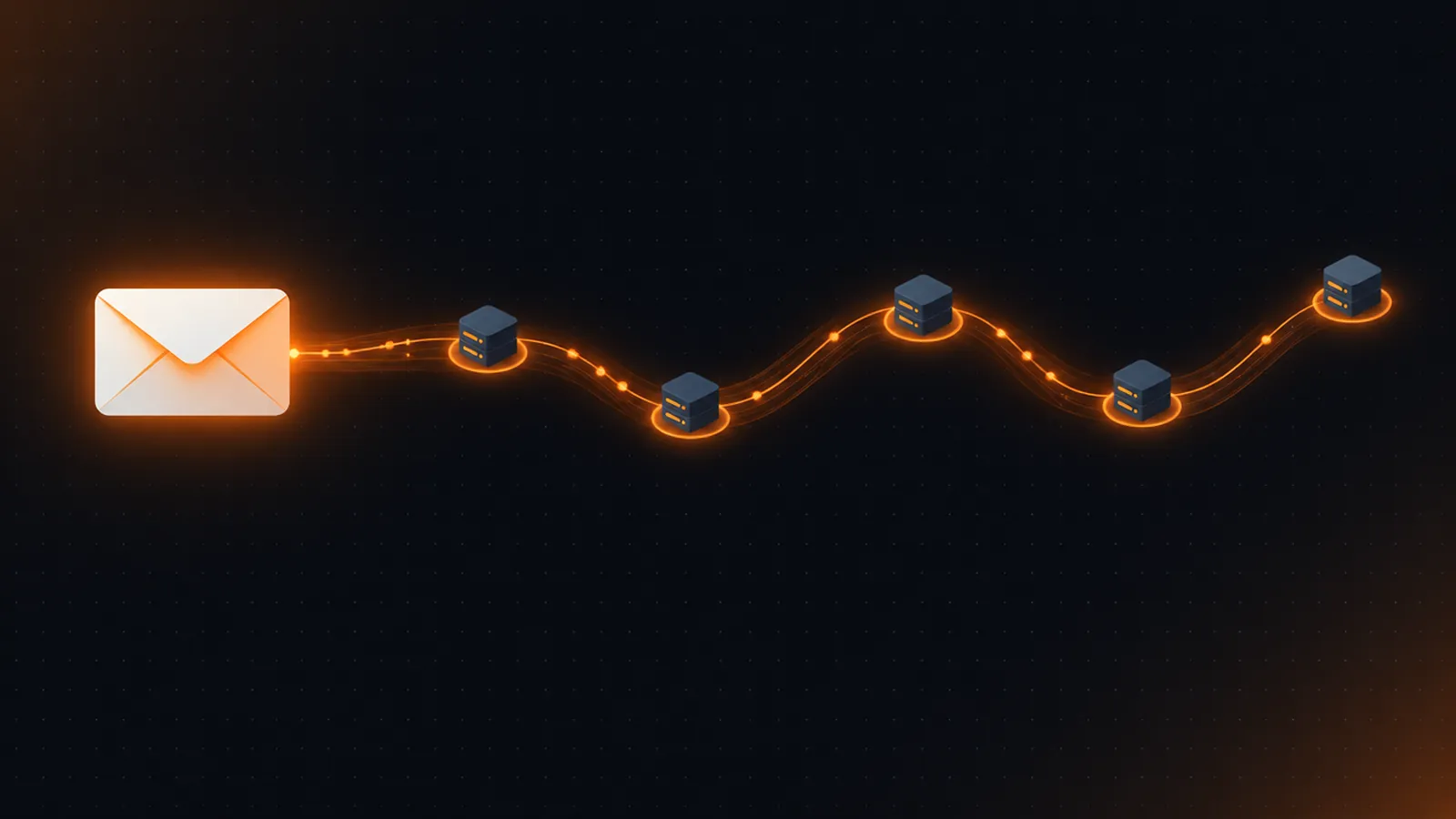
Every email carries a block of technical headers that records where it came from, which servers handled it and whether it passed authentication. To read them: open the full headers (Gmail: Show original), read the Received chain from the bottom up, then check Authentication-Results for SPF, DKIM and DMARC. Compare the visible From domain with Return-Path and the DKIM d= domain to spot spoofing, and remember that only the headers added by your own provider are trustworthy evidence.
An email is more than the sender, subject and body you see in your inbox. Behind every message sits a block of email headers: dozens of lines added by the sender's software and by every server the message passed through. Read correctly, they tell you who really sent a message, how long each hop took and whether the message passed SPF, DKIM and DMARC.
This guide shows you how to find the headers in the major mail apps, what the important fields mean, how to follow a message hop by hop, and how to turn a wall of text into a clear diagnosis. If you would rather paste the headers and let a tool do the parsing, jump to the free analyzer below.
What email headers are and why they matter
Headers are Name: value lines at the top of a raw message, defined by RFC 5322. Some are written by the sender (From, Subject, Date). Others are added by servers on the way (Received, Authentication-Results, Return-Path). A header can be folded over several lines: a continuation line starts with a space or tab and belongs to the line above it. You read headers to:
- Diagnose deliverability problems: see exactly which authentication check failed and for which domain.
- Investigate phishing or spoofing: check whether the sending infrastructure matches the claimed sender.
- Find delays: compare timestamps between hops to see where a message sat in a queue.
- Verify your own setup: confirm that a new SPF record or DKIM key works for real mail, not just in a DNS checker.
How to view the full headers in Gmail, Outlook and Apple Mail
| App | Where to click |
|---|---|
| Gmail (web) | Open the message → ⋮ (More) → Show original. Copy the text from the page that opens. |
| Outlook (desktop) | Open the message in its own window → File → Properties → copy the Internet headers box. |
| Outlook (web / new Outlook) | Open the message → ⋯ → View → View message details. |
| Apple Mail | Select the message → View → Message → All Headers (or Raw Source). |
| Yahoo Mail | Open the message → ⋯ → View raw message. |
Copy everything above the first blank line. That blank line is where the headers end and the message body begins. Menu names change between versions, so if you do not see these exact labels look for "original", "source", "internet headers" or "message details".
Email Header AnalyzerRead SPF, DKIM, DMARC, hop path, delays and domain alignment from message headersOpen the tool →The header fields that matter most
A real message can have 30 or more headers. These are the ones worth your attention:
| Header | What it tells you | Who writes it |
|---|---|---|
From | The address shown to the reader (the "header From"). DMARC aligns against this domain. | The sender (can be forged). |
Return-Path | The envelope sender where bounces go (the SMTP MAIL FROM). SPF is checked against this domain. | The receiving server, from the SMTP session. |
Reply-To | Where replies will go if different from From. | The sender. |
Received | One line per hop: which server received the message, from where and when. | Each server (newest on top). |
Authentication-Results | The receiving server's verdict on SPF, DKIM and DMARC. | Your mail provider. |
DKIM-Signature | The signature: signing domain (d=), selector (s=), signed headers (h=). | The sending system. |
ARC-Seal, ARC-Message-Signature, ARC-Authentication-Results | The Authenticated Received Chain: results preserved by an intermediary such as a mailing list or forwarder. | Forwarding servers. |
Message-ID | A unique identifier, usually ending in the sender's domain. | The sending system. |
Date | When the sender's software created the message. | The sender. |
Read the Received chain from the bottom up
Each server that handles a message adds a new Received line on top of the existing ones. That means the oldest hop is at the bottom and the hop closest to your mailbox is at the top. Read them in reverse to follow the journey in order.
A typical line looks like this:
Received: from mail-out.sender.example (mail-out.sender.example. [203.0.113.25])
        by mx.example.net with ESMTPS id abc123
        for <me@example.net>;
Tue, 03 Oct 2023 10:11:13 -0700 (PDT)fromis the name the sending server announced, followed by the IP your server actually saw in brackets. Trust the bracketed IP, not the name.byis the server that wrote this line.withis the protocol (ESMTP, and ESMTPS means TLS was used).- The timestamp after the semicolon lets you compute the delay between hops.
Worked example: where did the time go?
Take three hops, listed chronologically after reading bottom-up: the application server hands the message over at 17:11:10 +0000, the outbound relay passes it to your provider at 10:11:13 -0700, and your provider stores it at 10:11:15 -0700. Convert every time to UTC before subtracting: 10:11:13 -0700 is 17:11:13 UTC. The delays are therefore 3 seconds and 2 seconds, 5 seconds end to end. Without converting the zones you would conclude the message took seven hours.
Small differences of 0–5 seconds are normal. Minutes or hours usually mean greylisting, queueing or a congested relay. Negative numbers are normally clock skew between servers, not an error in the message.
Reading Authentication-Results: SPF, DKIM and DMARC
The Authentication-Results header (RFC 8601) is the fastest way to see how the receiving server judged the message. Every method is written as method=result followed by properties that name the identity that was checked:
Authentication-Results: mx.example.net;
  dkim=pass header.i=@sender.example header.s=s1;
  spf=pass smtp.mailfrom=bounce@sender.example;
  dmarc=pass (p=REJECT) header.from=sender.example
The result values
| Method | Possible results | What a bad result usually means |
|---|---|---|
| SPF | pass, fail, softfail, neutral, none, temperror, permerror | The sending IP is not listed in the domain's SPF record, or the record is broken (permerror often means more than 10 DNS lookups or two SPF records). |
| DKIM | pass, fail, none, neutral, temperror, permerror | The message was modified after signing, the public key is missing, or no signature exists. |
| DMARC | pass, fail, none | Neither SPF nor DKIM passed with alignment to the visible From domain. |
Which property identifies what
| Property | Identity it names | Used by |
|---|---|---|
smtp.mailfrom / smtp.helo | The envelope sender or HELO name that SPF evaluated | SPF |
header.d / header.i | The DKIM signing domain or full identity (d= and i= in the signature) | DKIM |
header.s | The DKIM selector, which names the DNS record holding the key | DKIM |
header.from | The visible From domain DMARC evaluated | DMARC |
The part most people miss: alignment
SPF and DKIM can both say pass and DMARC can still fail. DMARC requires that the domain authenticated by SPF (smtp.mailfrom) or by DKIM (header.d) matches the domain in the visible From address, and only one of the two has to align. A bulk-mail platform that signs with its own domain passes DKIM but is not aligned until you configure a custom signing domain.
Why forwarding changes the results
When a message is forwarded, the forwarder's server connects from its own IP address, so the original domain's SPF record no longer lists the connecting IP and SPF usually fails at the final recipient. A DKIM signature, in contrast, travels with the message and survives forwarding as long as the signed parts are not modified. This is why DMARC lets either mechanism carry the pass. Mailing lists that rewrite the subject or add a footer can break DKIM too, which is the problem ARC was designed to solve: the forwarder records the results it saw in ARC-Authentication-Results and seals them, so the final receiver can decide whether to trust the original verdict.
A five-step triage workflow
- Find the receiving server's verdict. Locate the top-most
Authentication-Resultsadded by your provider and ignore any added earlier in the chain. - Read the three results and note the identity each one checked (
smtp.mailfrom,header.d,header.from). - Check alignment between the identities and the visible From domain.
- Walk the Received chain bottom-up to confirm the origin and find delays.
- Decide using the table below.
| What you see | Likely cause | Fix |
|---|---|---|
spf=fail or softfail | Sending IP missing from SPF | Add the sender to the SPF record (one record only) |
spf=permerror | Two SPF records or more than 10 lookups | Merge records; reduce lookups |
dkim=fail (body hash did not verify) | Content changed after signing (footer, link rewriting) | Move the footer injection before signing |
dkim=none | The sending system does not sign | Enable DKIM at the provider |
dmarc=fail with SPF and DKIM pass | Authenticated domains do not align with From | Use a custom return-path or custom DKIM domain |
| Large delay at one hop | Greylisting, queue or throttling | Check that relay's logs and rate limits |
For the standards behind these results see our practical SPF, DKIM and DMARC guide, and for the exact requirements providers apply to bulk senders see the Gmail and Yahoo bulk sender checklist. If your own marketing mail fails the checks above, the List-Unsubscribe setup guide covers the header that most often goes missing.
How to spot a spoofed or suspicious message
Run through this checklist on any message you do not trust:
- Do the domains agree? Compare
From,Return-Path, the DKIMd=domain and theMessage-IDdomain. Legitimate mail usually aligns; a bank email with aReturn-Pathat an unrelated domain does not. - Is there an Authentication-Results line at all? Messages with no results from your provider deserve extra caution.
- Is Reply-To different? A
Reply-Toat a free webmail domain on a corporate message is a classic scam sign. - Do the first external hops make sense? A "corporate" email that originated from a residential IP range or an unrelated country is suspicious.
- Is the Date plausible? Far-future or far-past dates, or mismatched time zones between hops, can indicate bulk or forged mail.
Anything the sender wrote can be forged, and so can any Received lines added before the message reached a server you trust. Only the headers added by your own provider (the topmost ones) are reliable evidence.
A worked alignment example
Suppose a message shows spf=pass smtp.mailfrom=bounce@mailer.shop.example, dkim=pass header.d=mailer.shop.example and dmarc=fail header.from=shop.example. Both checks passed, yet DMARC failed. The cause is alignment: the authenticated domains are mailer.shop.example, while the visible From uses shop.example. In relaxed alignment a subdomain of the organizational domain is acceptable, so DMARC would pass here if the record uses the default relaxed mode (aspf and adkim unset or r). If the record sets adkim=s or aspf=s, the domains must match exactly and the message fails. This is exactly the kind of mismatch the free analyzer highlights: paste the headers and it lists every hop with its delay, shows each authentication result and flags domains that are not aligned.
What headers cannot tell you
- They are not proof of identity. Authentication shows the message was authorised by a domain, not that the person behind it is who they claim to be.
- They cannot be fully verified in a browser tool. Checking a DKIM signature cryptographically requires the original message bytes and the public key from DNS; analyzers read the verdict your server already recorded.
- Timestamps come from different clocks. Treat small negative delays as skew.
Frequently asked questions
Where is the Received header and which one is the original sender?
Each server adds its Received line at the top, so the original hop is the last (bottom-most) Received header. Read from the bottom up.
What does "spf=softfail" mean in an email header?
The sending IP was not authorised by the domain, but the domain's record ends in ~all, a "soft" policy. Receivers usually accept the message and mark it suspicious rather than rejecting it.
Why does DMARC fail when SPF and DKIM both pass?
DMARC also requires alignment: the authenticated domain must match the visible From domain. Passing SPF or DKIM for a different domain does not satisfy DMARC.
Can email headers be faked?
Yes. Headers written by the sender can be forged, and so can Received lines added before the message reached a server you trust. Rely on the headers added by your own provider.
Is it safe to paste email headers into an online tool?
Headers can contain addresses and IPs, so use a tool that processes them locally. The Axvoid header analyzer runs entirely in your browser and sends nothing to a server.
References & further reading
- RFC 5322 — Internet Message Format
- RFC 5321 — Simple Mail Transfer Protocol (trace fields)
- RFC 8601 — Message Header Field for Indicating Message Authentication Status
- RFC 7208 — Sender Policy Framework (SPF)
- RFC 6376 — DomainKeys Identified Mail (DKIM) Signatures
- RFC 7489 — DMARC
- RFC 8617 — Authenticated Received Chain (ARC)
Related articles
 Email Authentication & Deliverability
Gmail and Yahoo Bulk Sender Requirements: The Complete Compliance Checklist
A practical checklist for Gmail and Yahoo bulk sender rules: SPF, DKIM, DMARC, one-click unsubscribe and the 0.3% spam rate limit, with how to verify each.
7 min read Email Authentication & Deliverability
List-Unsubscribe Header: How to Set Up One-Click Unsubscribe the Right Way
Set up the List-Unsubscribe and List-Unsubscribe-Post headers: RFC 8058 syntax, endpoint rules, DKIM signing, testing and Gmail and Yahoo requirements.
8 min read Email Authentication & Deliverability
SPF Record for Google Workspace, SendGrid and Other Providers: How to Combine Them Safely
How to write one SPF record for several email providers: syntax, include examples, the 10-lookup limit and a safe rollout from ~all to -all.
7 min read